
IPTV Geeks Abroad: Watch US and Canadian TV Anywhere Without a VPN Puzzle
Network apps stop at the border and VPNs are a daily puzzle. Here is how snowbirds, expats and travelers watch US and…
Read the guide
IPTV Geeks puts the big US networks, Canadian channels, NFL, NBA, MLB and NHL games, international soccer and a huge movie library in one channel list. Watch on your smart TV, Fire TV Stick, phone or computer – no cable box, no rented equipment and no two-year contract.
Your login works right away in all the well-known IPTV players. Setup takes about five minutes on a smart TV, an Android phone or iPhone, a streaming box or a computer – no technical skills needed.






Your subscription runs on Samsung and LG smart TVs, Android TV and Google TV, the Fire TV Stick, MAG boxes, phones, tablets and computers through VLC or IPTV Smarters Pro. Instructions for every device are on the setup page.
Pay once and watch for the whole period. No monthly bill and no hidden fees – if the service does not work on your device, you get your money back within 7 days.
A short period to see for yourself how the service works in your home.
Channels, every sports season and movies for a full year with a single payment.
One person watches the game in the living room, another a series in the bedroom.
The trial includes everything the plans include. The only differences are the length and the guarantee, which starts once you buy.
| What we compare | Free trial | 3 months | 12 months | Family 12 months |
|---|---|---|---|---|
| Price | $0 | $29 | $49 | $79 |
| Length | 24 hours | 3 months | 12 months | 12 months |
| Per month | – | about $9.67 | about $4.08 | about $6.58 |
| 25,000+ live channels | ||||
| ABC, CBS, NBC, FOX, CBC, CTV | ||||
| Sports in 4K and 60 FPS | ||||
| 100,000+ movies and series | ||||
| Screens at once | 1 | 1 | 1 | 2 |
| Setup help | ||||
| Card when ordering | not needed | one-time payment | one-time payment | one-time payment |
| 7-day guarantee | not needed | |||
| Request | Order | Order | Order |
Sports are the reason many households pay for two or three services today: football on one app, basketball on another, hockey or soccer on a third – each with its own monthly bill. With us, sports channels sit in the same guide as the news and your favorite shows.
NFL Sundays, Monday and Thursday night games, the playoffs, college football Saturdays and the CFL for Canadian fans.
NBA regular season and playoffs, WNBA and college basketball, including the March tournament. Replays are ready the next morning.
MLB from opening day to the World Series, with regional sports channels so you can follow your home team.
NHL on US and Canadian channels, Hockey Night broadcasts, the playoffs and junior hockey.
MLS, Liga MX, the Premier League, the Champions League and the big national-team tournaments.
UFC and boxing events, NASCAR, IndyCar and Formula 1 with qualifying, plus golf and tennis majors.
On nights like the Super Bowl, the NBA Finals or Game 7 of the Stanley Cup, many times the usual number of viewers connect at once. That is why we spread the load across several servers in advance, and every popular sports channel has more than one source. If one source slows down, you switch to another version in your player within seconds.
Sports channels play at 50 or 60 frames per second, so the ball and the puck stay sharp during fast plays. On channels with catch-up, a game that started while you were at work can be watched from kickoff in the evening.
A full sports calendar all year: football and hockey start in the fall, basketball peaks in winter and spring, baseball runs all summer, and soccer, racing and fight nights fill every month in between. One subscription covers it all.
Choose a planAlmost every smart TV bought after 2017 works without extra hardware. For an older TV, an affordable streaming stick is enough, and the most stable experience comes from a dedicated Android TV box connected to the router with a cable.
Player apps from Google Play, and watching works on mobile data too.
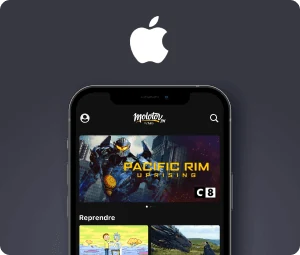
Players from the App Store, and it also works on a Mac.
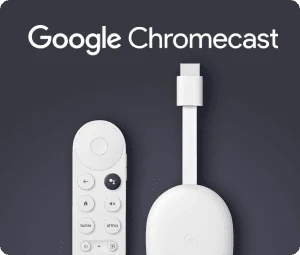
Google TV, Chromecast, Nvidia Shield and other Android TV boxes.
Nvidia Shield, MAG, Formuler, Enigma2 and computers; on game consoles through a player or the browser where available.
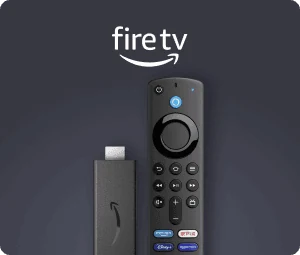
A cheap and fast way to bring an older TV up to date.
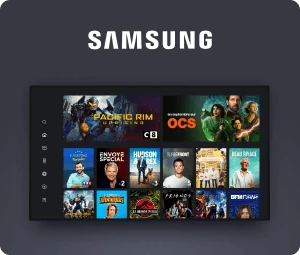
An app from the TV store, with no extra devices needed.
The app is the part you see every day, so it matters. On the Fire TV Stick and Android TV boxes we recommend TiviMate: the guide is clear, channel switching is fast and favorites are easy to organize. On Samsung and LG TVs, IPTV Smarters Pro, IBO Player and SET IPTV work well. Apple devices have their own players, and on a computer even VLC is enough.
They all work with the same login, so you can try two players and keep the one you like best. Step-by-step instructions with screenshots for every device are on the setup page.
Usually not, but check first. Some provider boxes run Android and let you install apps; if yours does, the same player that runs on any other box will work on it.
A box built only for a cable, satellite or antenna signal cannot play a picture from the internet. In that case the cheapest solution is a streaming stick that plugs into the HDMI port of the TV. It costs less than one month of a typical cable bill and lasts for years – and you can return the rented box to your provider.
In a typical American or Canadian household, the TV bill is built from many smaller items: a cable or live TV streaming package, a regional sports fee, a separate sports app for football or hockey, and one or two streaming services for movies. Each amount looks small, but over a year it easily adds up to well over a thousand dollars.
In our example we count three parallel services, each costing roughly $20–$80 a month. For comparison we take the yearly plan with channels, sports and movies for $49. The calculation is approximate; your savings depend on what you pay today.
Cheap with us does not mean suspiciously cheap. The price has to cover servers that hold up during a big game and people who answer your message. That is why you should avoid offers of a few dollars a year: there, the channel disappears exactly when you need it most.
Three separate services: approx. $60–$240 a month, so $720–$2,880 a year.
IPTV Geeks, yearly plan: $49 once, about $4.08 a month.
On top of that: no contract, no box rental, no broadcast or regional sports fees and no surprises on the bill. If you want to keep one of your current services, that works too – you can install several apps on the same TV.
Most households open the same five or six channels every evening. That is why the US and Canadian networks sit right at the top of the list, and the rest of the world is sorted into folders by country and topic.
The first time you log in to your player, you see a list of categories: USA, Canada, sports, movies, kids, documentaries, news, Spanish-language channels and dozens of countries in alphabetical order. Next to every channel you can see what is on now and what comes next. When you look for something specific, search finds the channel or show after a few letters.
Many popular channels come in several quality versions: 4K, Full HD and a lighter HD version. If your home connection is busy in the evening, switch to the lighter version and the broadcast does not stop. On a fast fiber line, 4K makes sports and nature documentaries noticeably sharper.
The channel list is updated on the server. When we add new channels you do not have to download or configure anything – the player picks up the changes the next time it starts.
Families with children like that cartoons have their own folder: the youngest find them without browsing adult channels. If you want, you can set a parental lock in the player that hides selected categories behind a PIN code.
Popular channels
The electronic program guide (EPG) is the part of the service you use every day, so it has to be accurate. The guide follows the time zone of your device – Eastern, Central, Mountain, Pacific or Atlantic – including daylight saving time, so the start of a game or the evening news matches the real start.
You can browse seven days ahead, set a reminder for a show and, on channels with catch-up, open a program that has already aired. That is especially handy for games that start while you are at work or on the West Coast late at night.
The service also works outside your home and outside the country. Snowbirds spending the winter in Florida or Arizona, Canadians working in the US, and Americans on vacation in Mexico or Europe see the same channels as at home, as long as the connection is fast enough.
For many people living abroad, it is the simplest way to stay connected: the local evening news, the big game or a Sunday movie, all on the same list as the channels of the country where they live.
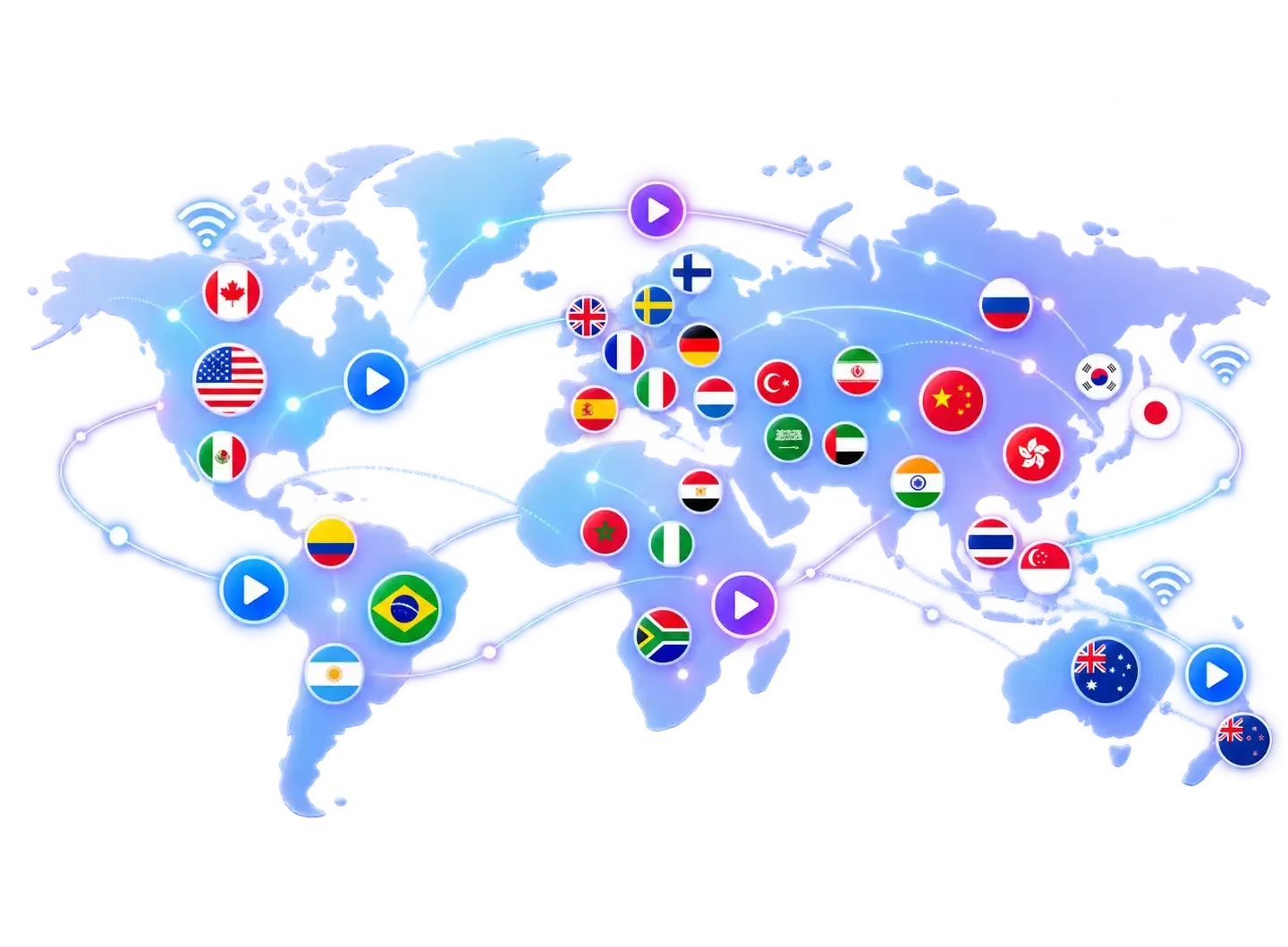
The USA and Canada are at the top, followed by Latin America, Europe, Asia and the rest of the world, sorted into folders by country. Watch news, sports and movies in the language you love most.
The best service is not the one with the most channels. It is the one that works in the evening when everyone is watching, where you find familiar channels fast, and where someone answers your message.
| What we compare | IPTV Geeks | Cheap list from an unknown seller | Cable or satellite TV |
|---|---|---|---|
| US and Canadian channels | In their own categories, guide in your time zone | Often mixed up with others | Yes |
| Sports and premium movies | In the same plan | Changes from week to week | As paid add-ons |
| Price | One-time $29–$79 | Cheap, but no guarantee | Monthly bill, fees and contract |
| Devices | TV, stick, Android TV, phone, computer | No instructions | Often only their rented box |
| Help with problems | Message support every day | The seller disappears | Call center, hold times |
| If it does not work | Money back within 7 days | No refund | Under the contract terms |
The table also shows what to avoid. Lists for ten dollars a year are tempting, but their channels vanish without warning and the seller cannot be reached. Cable is reliable, but sports and premium movies cost extra, equipment fees pile up and the contract often ties you in for one or two years. We sit in the middle: a fair one-time payment, clear terms and a real person who answers.
Local networks, Canadian channels and Spanish- and French-language TV are not separate add-on packages with us. They are in every subscription, sorted into their own folders.
The big networks from East and West Coast feeds, cable news, ESPN, FS1, TNT and regional sports channels for your home team.
CBC, CTV, Global and Citytv, plus TSN and Sportsnet for the NHL, the CFL, the Raptors and the Blue Jays.
TVA, Radio-Canada, Noovo and RDS for French-speaking households, with hockey commentary in French.
Univision, Telemundo, UniMás and Latin American channels with novelas, news and Liga MX soccer.
For sports fans, regional channels are the real treasure. Moved from Boston to Texas or from Toronto to Vancouver? With East and West Coast feeds and regional sports channels you can still follow your own team instead of whatever game the local station picks. When the same game is on several channels, you choose the commentary: the national broadcast, your team's home crew or, for hockey, the French broadcast on a Québec channel.
Every TV service has a weak spot – usually the moment the picture freezes during the biggest game of the year. We built IPTV Geeks around protecting that weak spot: spare servers for big nights, several sources per sports channel and support that answers in English the same evening. We are not connected to other services with similar names.
Spanish- and French-language channels also help with languages. Kids who grow up in bilingual homes keep hearing both languages, and anyone learning Spanish or French hears natural speech in the news and in series.
Besides live channels, the subscription includes a large library of movies and series. New American and international titles are added every week, and many have English subtitles. The library works like a well-known streaming service: browse by genre, watch the trailer, start and continue later on another device from the same spot.
Selected movies are available in 4K with a wider color range. On a large TV the difference compared with Full HD is clear in nature documentaries and big blockbusters. There is no separate monthly fee for movies.
When the picture freezes, the cause is most often at home, not on the server. These five steps solve most cases, and it is worth doing them before the first big game.
A network cable from the router to the TV or box removes almost every interruption. If you cannot run a cable, a powerline adapter that uses the electrical wiring is a good compromise.
Most routers broadcast two networks. The faster 5 GHz network suffers less from your neighbors' interference, as long as the router is not behind several walls.
A router that has been on for weeks slows down. Unplug it for thirty seconds and restart the TV or streaming stick at the same time.
In the player settings you will find the buffer size. Set it to a medium value and the app preloads a few seconds, so a short drop in speed does not show in the picture.
If the whole family is online at the same time, switch from 4K to Full HD. The difference only shows on a very large screen, and the interruptions disappear.
Send support a screenshot and tell us which device and connection you use. We go through the settings together, and if the problem does not go away in the first week, the guarantee covers it.
The abbreviation stands for Internet Protocol Television. In practice it means the TV signal reaches you over the same internet connection you use for video calls and streaming. A server records and compresses the broadcast, and the app on your device turns it back into picture and sound.
The technology is neither new nor rare. Big American and Canadian providers use the same principle for their own TV services, and so do the apps of the networks themselves. The difference is how many channels and what content a service brings together in one place.
A good comparison is radio and a podcast. Antenna TV works like radio: everyone receives the same broadcast at the same time. Internet TV is more like a podcast: the show comes to you on demand, and you can often rewind, pause or watch it later.
That flexibility is why more and more households cut the cord completely. When the TV, the streaming stick and the phone share the same connection, all home entertainment fits in one app and one subscription. The guide, recordings and search work the same way on every device.
We do not publish invented reviews or star ratings. Instead, we collected what viewers on forums usually praise and criticize in IPTV services – and how we dealt with it.
The price for what you get, having sports and movies in one place, and simplicity: once the player is installed, the TV opens straight into the channel list.
The picture freezes during the biggest game, channels disappear without explanation, or the seller stops answering after payment. That is typical of the cheapest, anonymous services.
We spread the load over several servers, update the channel list centrally, and support answers on WhatsApp every day. If something does not work in the first week, we refund you.
As a technology, yes. IPTV is a way of delivering a picture, and the same technology is used by the big cable, phone and streaming companies in the US and Canada. Whether a service is legal depends on the rights under which it delivers content, and the provider is responsible for that.
As a viewer, avoid services with no contact details, no terms and no refund policy. A more detailed explanation is on the reviews and FAQ page.
The service suits people who are tired of paying for several overlapping services and jumping from app to app. You do not need special technical skills: if you can install an app on your phone, you can install one on your TV, and we sort out the rest together over chat.
Measure the speed with your phone next to the TV, not next to the router. If the result is under 15 megabits, try a network cable before you upgrade your internet plan.
The settings show whether your TV runs Tizen, webOS, Roku OS or Android TV. This helps pick the right player and speeds up setup.
Do two people at home watch different channels at the same time? If not, a one-screen plan is enough, even if you have several devices.
Write down three channels or competitions you cannot live without. Ask support before ordering, and you will know for sure.
A short period is for testing, a year is the cheapest. Nothing renews automatically, so you cannot forget to cancel.
Read the guarantee terms before you pay. With a good service they are short and easy to understand.
An order with us is not a monthly contract that renews itself, but a one-time payment that is valid for the period you choose. The whole process takes less than fifteen minutes.
You do not need to create an account in any online store or app to order. All you need is an email address or a WhatsApp number where we can send your details. If you later want to renew, switch to a longer period or add a second screen, it is all done in the same conversation and you do not have to reinstall anything.
The biggest difference between a good and a bad service only shows when there is a problem. That is why support is in the same place as your order: on WhatsApp, where the conversation is saved and you can send a screenshot. We answer in English every day, including evenings and weekends, when people watch the most TV.
The most common questions are about choosing a player, entering the details, the time in the guide and a freezing picture. We solve most of them in a few messages. If the problem is on our side, we fix it and tell you what happened.
Short answers to the questions we hear most often before an order.
Three months cost $29, six months $39 and a year $49. The yearly plan for two simultaneous screens costs $79. All payments are one-time and you are never charged automatically at the end. The content is the same in every plan, so a longer period does not bring more channels, just a lower monthly price.
Usually within minutes of payment. The details arrive by email and WhatsApp, and the first setup takes five to ten minutes. If you do not see the message, check your spam folder or write to us and we will send the details again.
Not necessarily. Most Samsung, LG and Android TV sets sold after 2017 work without extra hardware. For an older TV, a stick in the HDMI port is enough. Tell us your TV model and we will tell you right away whether you need an extra device.
About 15 Mbps for Full HD and about 25 Mbps for 4K, measured at the TV. A network cable or 5 GHz Wi-Fi improves stability more than a faster internet plan. Always measure the speed in the room where you watch, because walls and distance slow Wi-Fi down surprisingly much.
Yes, if the 4G or 5G connection is fast enough. With unlimited data, watching works well; keep in mind that an hour of 4K uses several gigabytes. On mobile data it is often better to choose the Full HD version, which uses less data and also works with a weaker signal.
Yes. Canadian channels in English and French and Spanish-language channels are in every plan at no extra cost. They are sorted into their own folders, and the guide shows their programs in your local time.
You can install it on every device in your household; with a standard plan you watch on one screen at a time. For two at once there is the two-screen plan. You can have the app on the living room TV, a phone and a tablet and watch on whichever is closest.
Watching stops and your card is not charged. We send a reminder before the end, and if you want to continue you keep the same details. Your favorites and player settings stay, so after renewing everything is as before.
IPTV is a legal technology that the big US and Canadian providers use too. The provider is responsible for the content rights. Read a more detailed explanation on the reviews and FAQ page.
If the service does not work in the first 7 days and support cannot fix it, write on WhatsApp or to [email protected]. We refund the payment to the same payment method. We only ask for a short description of the problem, so that it does not happen to other customers.
Network apps stop at the border and VPNs are a daily puzzle. Here is how snowbirds, expats and travelers watch US and…
Read the guide
Sports are the most expensive part of TV in North America. We compare separate sports packages, league passes and regional fees with…
Read the guide
Price, channels, sports, devices, stability, no contract and real support: seven practical reasons viewers in the USA and Canada choose IPTV Geeks,…
Read the guide